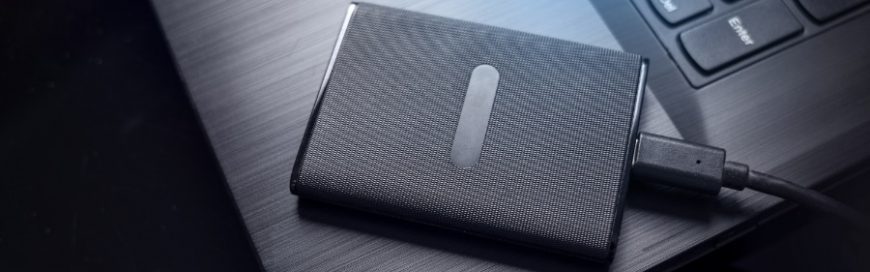
When it comes to data storage, two main types of drives dominate the market: hard disk drives (HDDs) and solid-state drives (SSDs). While HDDs, which use spinning disks to read and write data, have been the traditional choice, solid-state drives (SSDs), which rely on flash memory for faster performance and durability, are rapidly gaining popularity. […]
HDDs vs. SSDs: The differences between two storage solutions

Safeguarding your privacy: Webcam protection tips for Windows users
Webcams are a staple feature in modern computing devices, allowing users to connect with others through video calls, conferences and live streaming. While these built-in cameras offer convenience and connectivity, they may also pose a threat to digital privacy. Here’s a quick guide to help you secure your webcam and protect your privacy. Check the […]
Laptops vs. desktops: Which one is right for your small business?
When you’re running a small business, every dollar counts. That’s why it’s important to make wise choices when it comes to purchasing computers. Should you buy laptops or desktops for your business? Ultimately, the choice depends on your specific needs. Here are five things to consider when making your decision. 1. Portability If your employees […]
HDD vs. SSD: Which one should you get?
PCs and laptops typically came with hard disk drives (HDDs), but buyers can now also have the option to configure their system with either HDDs, solid state drives (SSDs), or in some cases both. In this blog, we’ll compare both storage drives so you can make the best decision for your needs.
Data storage: HDD and SSD defined
When purchasing new computers, buyers used to have limited choices when it came to what kind of storage they got with their laptop or desktop PCs. But nowadays you can configure your system with either traditional hard disk drives (HDDs), increasingly common solid state drives (SSDs), or in some cases both.
Windows 10 October 2020 Update: Features to watch out for
Microsoft started rolling out the Windows 10 October 2020 Update in recent weeks. While this update is relatively modest in terms of size and features, it boasts of several design and functionality upgrades that will enhance user experience. Here’s what you can expect from the update.
Which is best, HDD or SSD?
The hard disk drive (HDD) has been the primary storage device for desktop computers and laptops for a long time. But with the invention of solid state drive (SSD) technology, consumers are now able to choose between the two. So which one should you go for — HDD or SSD? Read on to find out.
Easy Steps to Create More Space on Windows 10
Hard drive space is a top priority for Windows 10 users. Techies who use budget computers navigate with limited storage or with Solid-State Drive (SSD). Having little disk space obstructs the free flow and enjoyment of using the hard drive, so you need more storage space.
Why businesses need a UPS
Power outages caused by utility failure, accidents, and natural disasters such as storms, flooding, or earthquakes are inevitable. There’s very little you can do to prevent any of these from happening, but you can avoid the consequences to your business by using an Uninterruptible Power Supply (UPS). What is an uninterruptible power supply? An uninterruptible […]
Utilizing Google’s Cloud Print service
When you picture cloud computing and printing devices, you might think of endless copies of clouds flying out of the printer. But that analogy wouldn’t quite apply for Google’s Cloud Print service, though. This cloud-computing hybrid allows you to access both regular and internet-enabled printers through the Internet.
- 1
- 2